Did you know that 43% of Canadian SMEs will have already fallen victim to phishing by 2025? Your employees are your first line of cybersecurity defense, but also your most vulnerable link. That’s where Vigilance comes in. Our continuous phishing simulation platform helps you test, train, and protect your teams against real-world attacks. In this article, you’ll discover how the simulations work, what makes Vigilance unique, and answers to frequently asked questions.
What is a business phishing simulation?
A phishing simulation is a bit like a fire drill, but for emails. It’s a controlled exercise that replicates real attacks to test your teams’ vigilance.
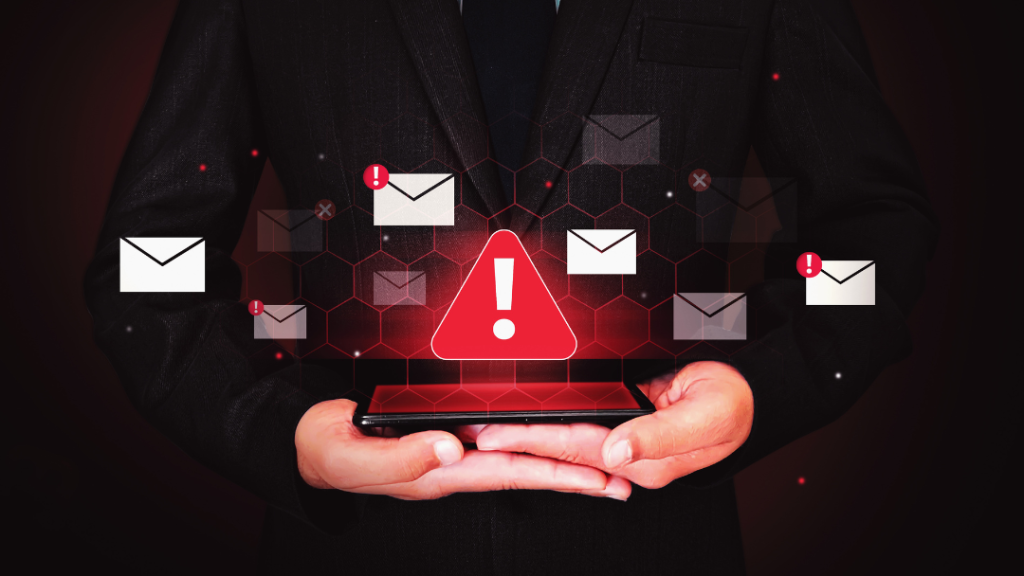
Specifically, your employees receive fake, malicious emails that mimic cybercriminal tactics. Their reaction is observed: Do they click on the malicious link? Do they share sensitive information? Do they report the suspicious email?
These phishing simulations help identify vulnerabilities in your organization and provide targeted training for those who need it.
The key objectives of a simulation are:
- Test your teams’ ability to recognize an attack
- Raise awareness among your employees about the real risks of phishing
- Measure your vulnerability level with concrete data
- Continuously improve your cybersecurity practices
Why choose Vigilance over a free Microsoft tool?
Free tools often offer one-off tests without real follow-up.
The Vigilance phishing simulation platform goes much further: it offers
continuous , automated, and time-scheduled simulations, with customizable scenarios that adjust to the difficulty level for each employee.
You benefit from a real-time administrative dashboard that measures click-through rates, reporting rates, and your teams’ awareness. Each employee tracks their own risk score. Vigilance includes a cybersecurity training library, and with the Vigilance+ version, your teams have access to video courses on Microsoft 365.
Let’s quickly compare:
| Criteria |
Vigilance |
Generic tool |
| Continuous simulations |
Yes (automated) |
No (one-off) |
| Integrated training |
Yes (Vigilance+) |
No |
| Custom reports |
Yes (detailed) |
No (limited) |
Vigilance transforms awareness into a continuous and comprehensive simulation campaign, not just an isolated test.
Frequently asked questions about phishing simulation
How can you tell if you’ve been phished?
Several signs indicate a compromise: unusual activity on your accounts, emails sent without your consent, suspicious login alerts, or unauthorized changes. If you notice these signs, immediately change all your passwords and contact your IT team. The faster you react, the less damage these
real attacks will cause.
What are the signs of phishing to recognize?
Phishing emails share common characteristics: an artificial
sense of urgency (“act now!”), an unknown sender or a slightly altered address, disguised
malicious links , unusual spelling mistakes, and requests for sensitive information. If in doubt, never click. Instead, verify directly with the suspected sender through another channel to reduce the
risk of phishing .
How often should a phishing test be performed?
To maintain your teams’ vigilance, aim for a monthly frequency or, even better, adopt a continuous approach like the one offered by Vigilance. Experts recommend between 6 and 10
phishing tests per year, with an interval of 40 to 60 days. This regularity establishes a solid baseline and keeps cybersecurity at the forefront of your employees’ daily concerns.
Adopting a solution like Vigilance means choosing peace of mind thanks to proactive support and clear training
steps .
This drastically reduces the risk of data breaches while enhancing your team’s skills. So, ready to see your
click-through rate plummet and your protection level skyrocket?
Take action today!
Don’t remain vulnerable to
real-world attacks . Contact our experts at MS Solutions for a personalized demonstration of the
Vigilance platform and discover how we can secure your work environment.
Contact us for more information.